

QuickBooks remains a widely used accounting platform, but it is not the right fit for every business. As companies grow, they may need different pricing, more users, deeper inventory or ERP functionality, stronger industry workflows, or accounting software designed specifically for Saudi Arabia.
For Saudi businesses, there is another factor to consider: e-invoicing. ZATCA's Phase Two Integration Phase continues to roll out by taxpayer wave, so businesses that issue Saudi tax invoices need to understand how their accounting or invoicing system will support the requirements that apply to them. ZATCA's current Phase Two rollout
This guide compares seven current QuickBooks alternatives in 2026, from cloud accounting tools such as Xero and FreshBooks to Saudi-focused accounting and ERP platforms such as HAL. We compare the use case, current features, pricing where publicly available, and the type of business each option is best suited for.
ZATCA confirms that Phase Two is still being implemented gradually in waves and that affected taxpayers are notified at least six months before their integration date.

QuickBooks Online remains an active cloud-accounting platform for small and growing businesses. QuickBooks Desktop also still exists, but availability has changed: Intuit no longer sells new US subscriptions to Desktop Pro Plus, Premier Plus, or Mac Plus, while existing subscribers can continue renewing and QuickBooks Desktop Enterprise remains available. See Intuit's current Desktop subscription guidance
The main reason to consider an alternative is therefore not that QuickBooks is obsolete. It is whether another platform better fits your company's accounting complexity, local requirements, integrations, industry workflows, or growth plans. Here’s why you might want to explore alternatives:
QuickBooks has automation features, but many businesses struggle to fully utilize them, especially when managing multiple users or departments. Setting up automated workflows across teams or configuring specific accounting processes for different business functions can be tricky.
QuickBooks is packed with features, but for some businesses, that can actually be a drawback. If your accounting needs are basic—think simple invoicing, expense tracking, or budget management—the sheer number of features can feel overwhelming. Plus, the troubleshooting process can be time-consuming and frustrating, especially if you're not well-versed in accounting.
QuickBooks supports a broad range of small-business accounting needs, and its higher-tier products include additional workflows for certain industries. However, some businesses need functionality beyond core accounting—for example, deeper manufacturing, contracting, retail, procurement, inventory, or multi-department ERP processes.
Saudi businesses may also prioritize local integrations and e-invoicing workflows that are not the central focus of a global accounting product. In those cases, a Saudi-focused ERP or a platform with documented Saudi localization may be a better fit.
For many small business owners, QuickBooks’ setup and interface can be intimidating—especially if you don’t have a background in accounting. If you’re looking for a simpler, more intuitive solution, switching to a more user-friendly platform could help your team work more efficiently and avoid unnecessary frustration.
If any of these concerns sound familiar, it may be time to consider a QuickBooks alternative. Let’s dive into the top QuickBooks alternatives for your business in 2024 and beyond.
The products below serve different levels of complexity. FreshBooks and Xero focus primarily on accounting for smaller businesses, while HAL, Odoo, and NetSuite can extend into broader ERP processes. Zoho Books sits between those categories with substantial accounting automation and Saudi localization.
The best option depends on whether you need simple accounting, Saudi e-invoicing support, connected operational modules, or enterprise-level financial management.
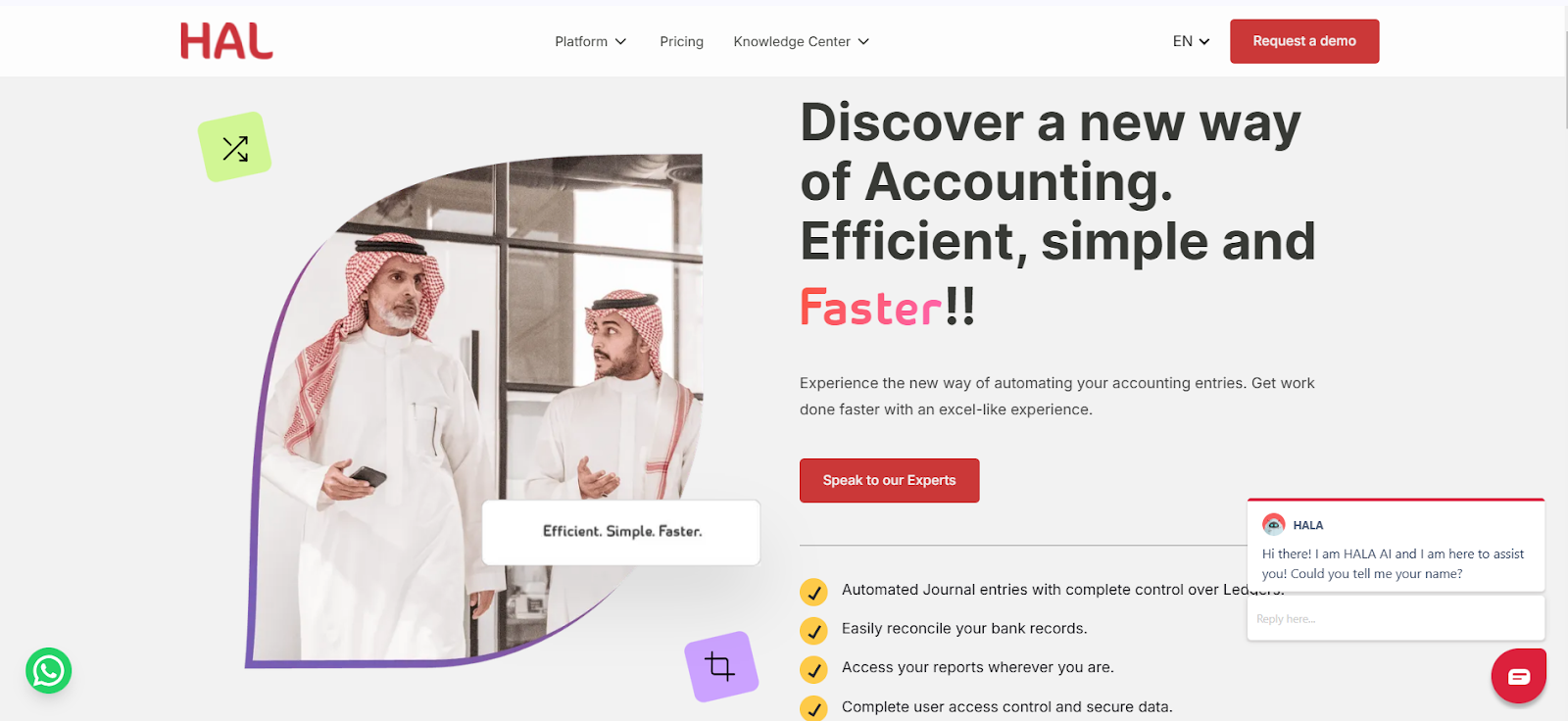
Best For: Saudi SMEs and growing businesses that want accounting connected with broader ERP workflows and local integrations.
Pricing: From SAR 1,999 per user/year for HAL's current Gold plan. Check current HAL pricing
HAL Accounting is a cloud-based accounting platform built within the wider HAL ERP environment. It supports automated journal entries, bank reconciliation, receivables and payables, financial reporting, dashboards, access controls, and connected workflows across other business functions.
For businesses that need Saudi e-invoicing integration, HAL VAT CARE is HAL's dedicated product for Phase One and Phase Two e-invoicing workflows. Businesses should still confirm their applicable ZATCA taxpayer wave and configure their process accordingly.
Strengths:
Limitations:
Best fit: A Saudi business that wants more than standalone bookkeeping and prefers accounting, procurement, sales, inventory, and other operational workflows within a connected ERP.
Best For: Small and growing businesses that want mature cloud accounting, unlimited users, and a large integration ecosystem.
Pricing: Xero pricing varies by region. Its global USD plans are currently listed at $29/month for Starter, $50/month for Standard, and $75/month for Premium. Check current Xero pricing for your region
Xero is a cloud-accounting platform covering invoicing, bills, bank reconciliation, reports, cash-flow tools, multi-currency functionality on higher plans, and a large marketplace of connected applications.
A major advantage is that Xero does not charge per-user license fees on its standard accounting plans. Its App Store currently lists more than 1,000 applications across areas such as payroll, inventory, e-commerce, CRM, payments, and reporting.
Strengths:
Limitations:
Best fit: Businesses that prioritize cloud accounting, collaboration, and a large third-party ecosystem over an all-in-one Saudi ERP.
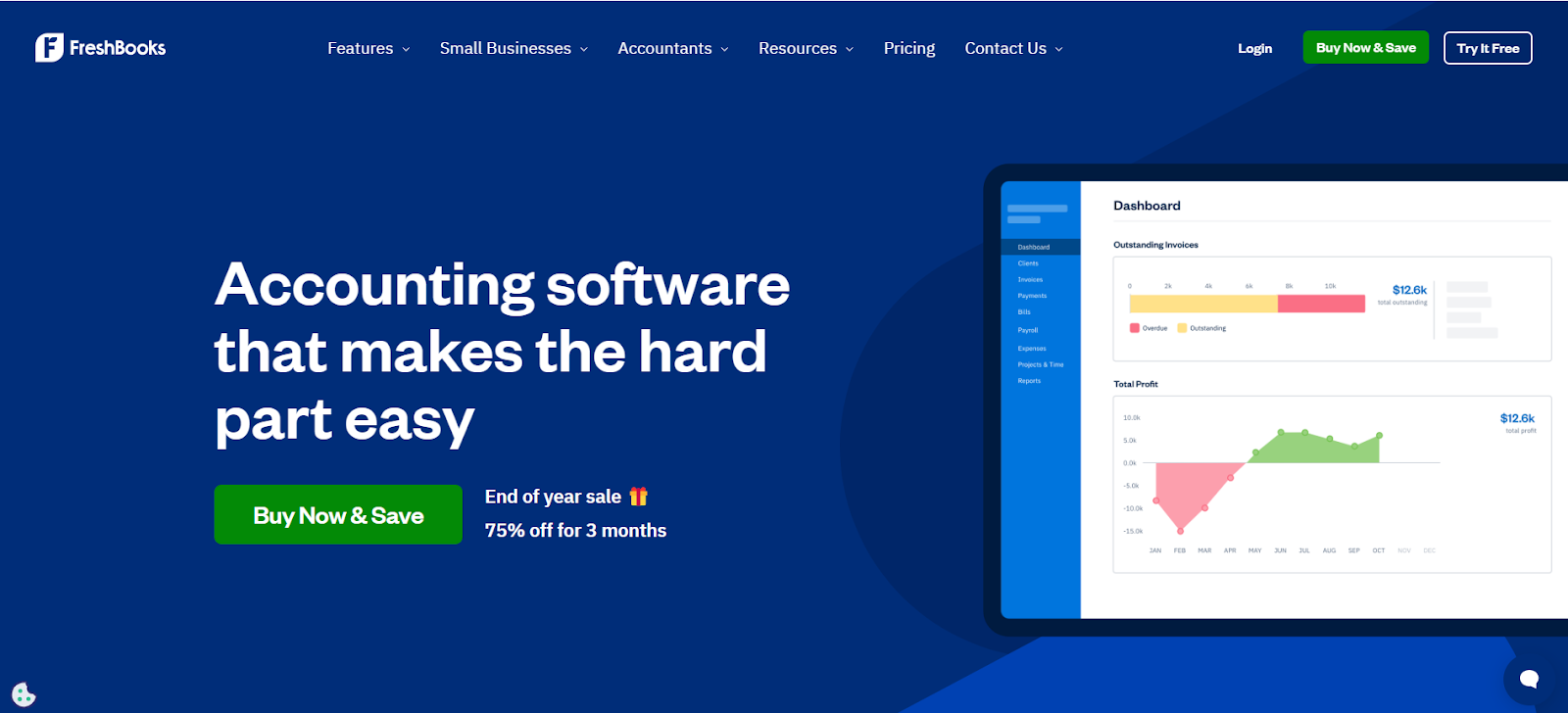
Best For: Freelancers, consultants, and service-based small businesses that prioritize invoicing, time tracking, expenses, and simple accounting.
Pricing: Current regular pricing is listed at $23/month for Lite, $43/month for Plus, and $70/month for Premium, with Select priced by quote. FreshBooks frequently runs introductory promotions, so check the current rate before purchase. See FreshBooks pricing
FreshBooks remains particularly strong for service businesses that need invoicing, payments, time tracking, expenses, proposals, and client-facing workflows. Its accounting functionality has also expanded beyond the basic invoicing product it was once known for.
Strengths:
Limitations:
Best fit: Freelancers and service businesses that value client billing and time tracking more than deep ERP functionality.
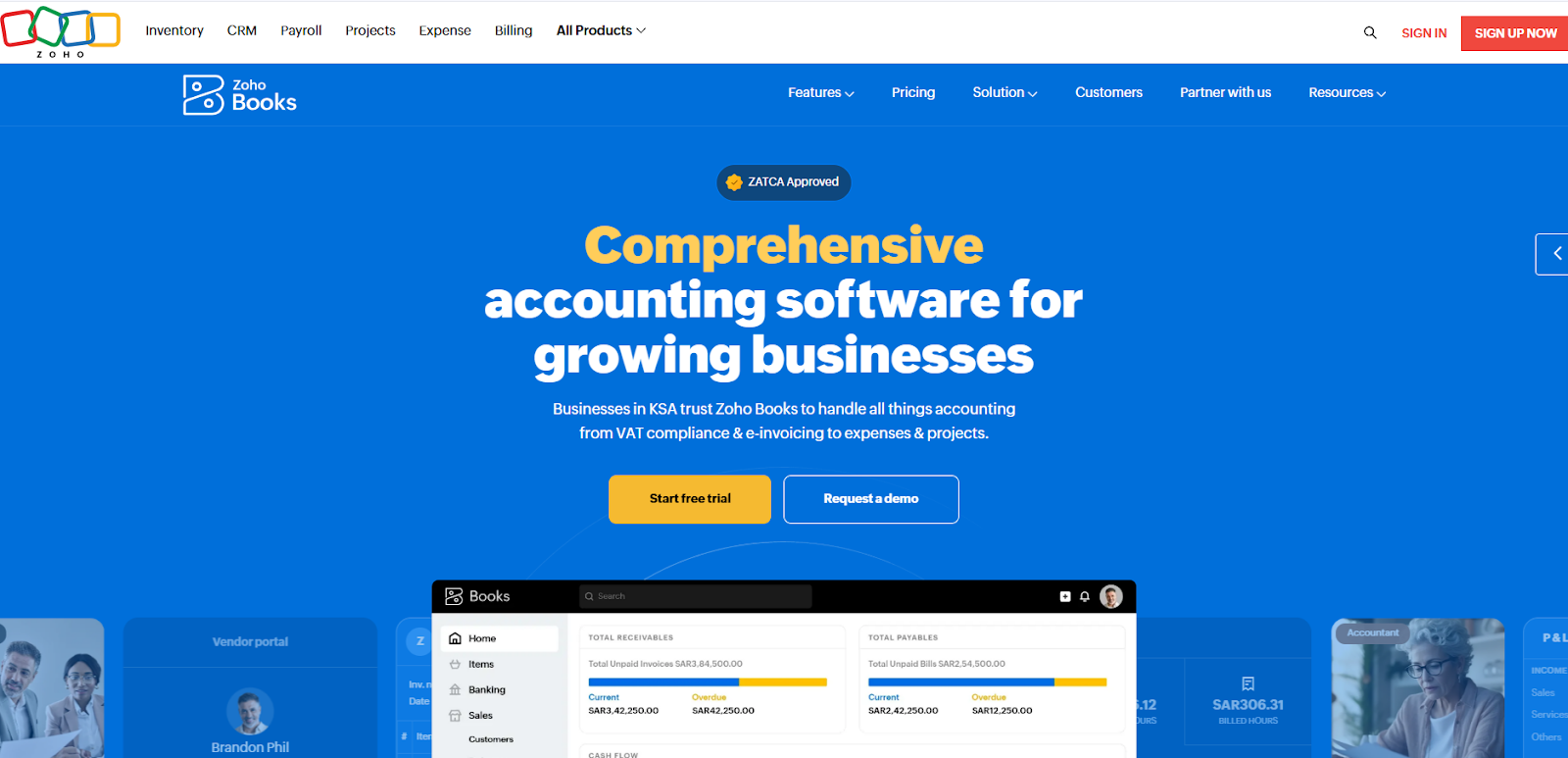
Best For: Saudi small and medium-sized businesses looking for cloud accounting with local pricing and documented Saudi e-invoicing functionality.
Pricing: Zoho publishes dedicated Saudi pricing. When billed annually, current plans range from SAR 60/month for Standard to SAR 660/month for Ultimate, with a free plan available for qualifying small businesses. See Zoho Books Saudi pricing
Zoho Books Saudi Arabia provides invoicing, expenses, bank reconciliation, VAT reporting, customer and vendor management, recurring transactions, reporting, and workflow automation.
Its Standard plan currently includes Phase Two e-invoicing, while Professional adds features including multi-currency transactions, inventory, project profitability, sales and purchase approvals, and customizable business workflows.
Strengths:
Limitations:
Best fit: Saudi SMEs wanting localized cloud accounting without necessarily adopting a full-scale ERP.
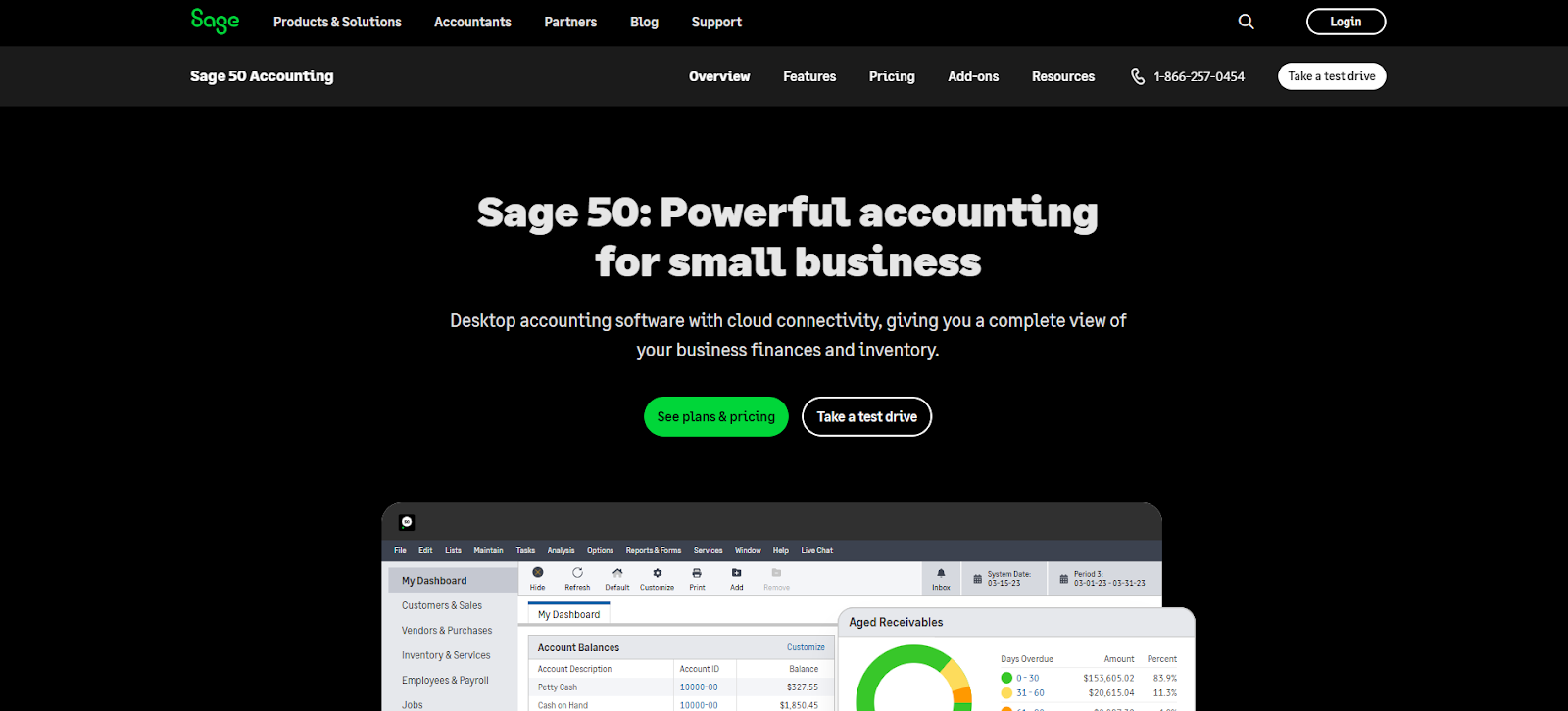
Best For: Small and established businesses that need deeper inventory, job costing, reporting, and a choice between cloud and desktop accounting.
Pricing: Sage 50 Cloud currently starts at $128.67/month for Pro Accounting, with Premium and Quantum priced higher. Sage also offers a separately priced Desktop edition. See current Sage 50 pricing
Sage 50 has evolved beyond a desktop-only product. Sage now offers a cloud version with remote access, automatic updates and backups, while retaining a traditional Desktop option for businesses that prefer locally installed accounting.
Strengths:
Limitations:
Best fit: Businesses prioritizing detailed inventory, job costing and traditional accounting depth.
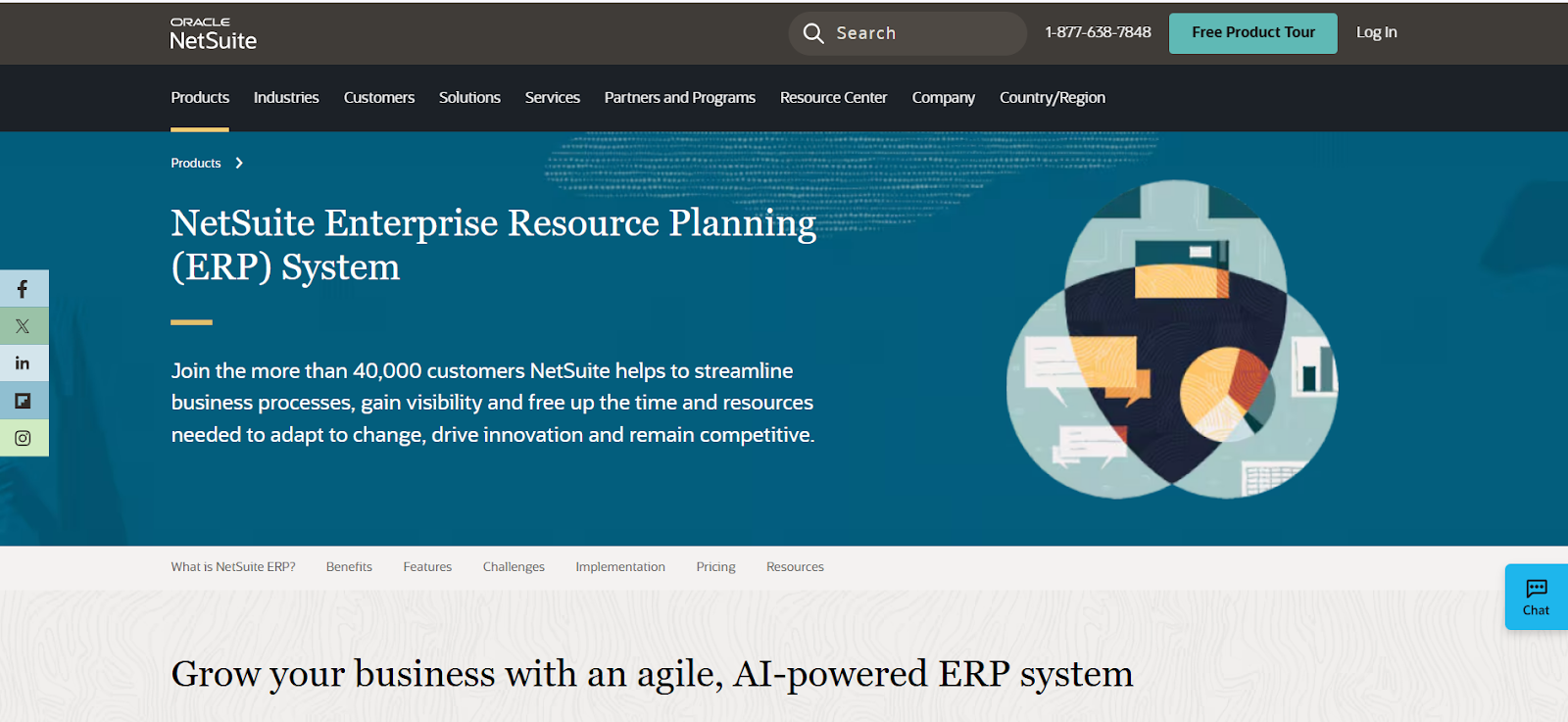
Best For: Large businesses needing an all-in-one cloud-based ERP solution.
Rating: 4.2 /5
Pricing: Contact for a custom quote based on the modules and users you need.
Most of the QuickBooks alternatives mentioned here are great for startups and micro businesses. But what if your company is outgrowing QuickBooks? If you're expanding into new regions or countries, you might want to consider a cloud-based enterprise resource planning (ERP) solution like NetSuite.
Unlike QuickBooks, which offers a more standardized package, NetSuite is highly customizable, with pricing and software packages tailored to your business’s needs. In addition to accounting, NetSuite includes modules for global business management, supply chain management, marketing, and HR. This makes it a powerful tool for larger companies that require a more comprehensive solution.
Strengths:
Limitations:
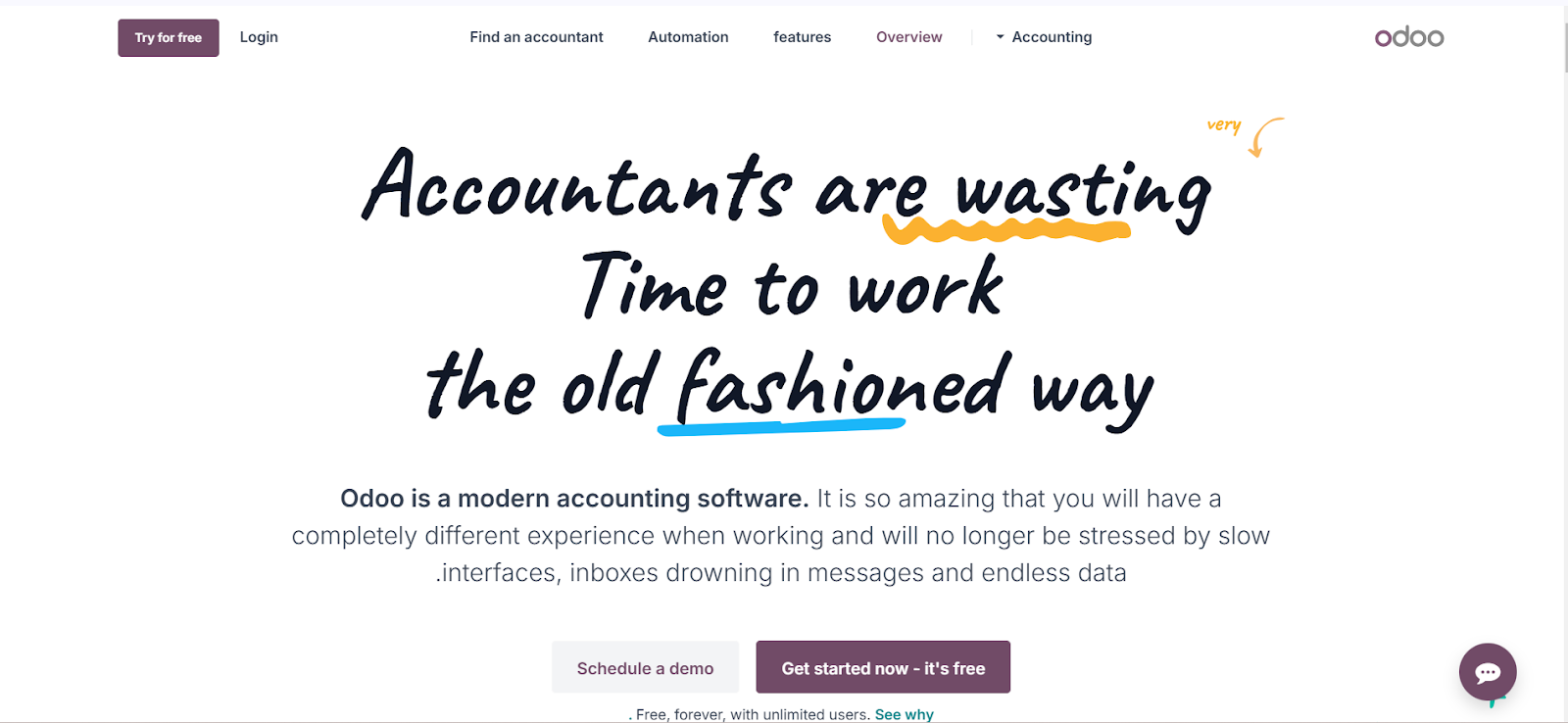
Best For: Businesses that want customizable accounting inside a broad modular ERP and are comfortable with a more configurable implementation.
Pricing: Odoo currently offers One App Free for one application with unlimited users. Its Standard and Custom subscriptions provide access to all Odoo apps, with pricing shown per user. Check current Odoo pricing
Odoo Accounting combines accounting with Odoo's larger suite of CRM, sales, inventory, purchasing, e-commerce, manufacturing, HR, projects, and other business applications.
For Saudi businesses, Odoo now has a documented fiscal localization. Its current Saudi modules include accounting, accounting reports, withholding tax, Point of Sale localization, and a dedicated e-invoicing module that enables ZATCA Phase Two API integration. Review Odoo's Saudi Arabia localization documentation
Strengths:
Limitations:
Best fit: Companies that want a flexible modular ERP and have the implementation resources to configure it around their processes.
Pricing note: International software vendors may bill Saudi customers in USD or another foreign currency, while local editions may publish prices directly in SAR. Prices may also exclude applicable taxes. Check the vendor's current Saudi billing terms and your business's VAT treatment before comparing total cost.
With so many options available, it can be tough to know which QuickBooks alternative is the best fit for your business. After all, every business is unique—and so are its accounting needs. Let’s take a look at some key factors to help you decide.
To help you decide, here are three key questions to guide your decision:
The features you need depend on your business’s size and nature. Some key accounting functions include:
Understanding these needs will help narrow down software options that offer exactly what your business requires.
Accounting software isn’t just for bookkeeping; it’s a tool to support decision-making. Consider how frequently you’ll use reports to guide your business. Key uses include:
If you rely on visual dashboards or external apps for insights, choose software that integrates seamlessly with those tools.
Your accounting software should align with your growth plans and goals. Consider factors such as:
Also, decide whether you plan to keep accounting in-house or outsource it to professionals like accountants or bookkeepers. This will affect your choice of software.
Take your time to assess your needs and select a solution that streamlines your accounting and supports your long-term goals. Let’s look at some additional tips to help you make an informed decision.
Here are some tips to guide your decision:
For HAL specifically, you can review its current customer testimonials alongside the live product pages to understand both reported customer experience and documented capabilities.
With the insights collected so far, let’s break it down based on the size and industry of your business.
The best alternative depends less on company size alone and more on the accounting and operational complexity you need to manage.
This makes the recommendations useful without pretending one product wins every category.
The best QuickBooks alternative depends on why you are considering a switch in the first place. A freelancer may value simple invoicing and time tracking, while a growing retailer may need inventory integrations, and a multi-entity company may require a full ERP.
Before changing systems, compare your current requirements with what you expect to need over the next few years. Pay particular attention to migration, user access, reporting, integrations, inventory or project requirements, and the tax and e-invoicing processes relevant to your country.
For businesses operating in Saudi Arabia, HAL Accounting is worth considering when accounting needs to connect with broader ERP workflows and regional integrations. Its current offering includes automated journal entries, reconciliation, reporting, access controls, connected business modules, and a separate VAT CARE product for Saudi e-invoicing workflows.
HAL will not be the right choice for every QuickBooks user. Freelancers may prefer FreshBooks, businesses built around a large global app ecosystem may favor Xero, and companies needing highly customizable or enterprise-scale ERP may consider Odoo or NetSuite. The right choice is the platform whose verified capabilities best fit your actual operating model.
A: There is no single best option for every company. HAL is particularly relevant when a Saudi business wants accounting connected with broader ERP workflows and local integrations, while Zoho Books offers a strong localized cloud-accounting option. The right choice depends on users, inventory, reporting, integrations, industry requirements, and e-invoicing needs.
A: QuickBooks provides general VAT and invoicing functionality, but businesses should not assume that those features automatically satisfy Saudi Phase Two requirements. Intuit's older Saudi support guidance directed users toward third-party solutions for Saudi-specific e-invoicing, so a company considering QuickBooks in 2026 should confirm the current integration route before relying on it for Fatoora connectivity. ZATCA's Phase Two rollout remains wave-based.
A: HAL offers HAL VAT CARE for Saudi e-invoicing workflows. Zoho Books' Saudi Standard plan currently lists Phase Two e-invoicing, and Odoo 19 documents a Saudi e-invoicing module with ZATCA Phase Two API integration. Businesses should still validate configuration and their own taxpayer requirements before implementation.
A: Not necessarily. Pricing depends on country, plan, promotion and required features. Xero's global pricing and QuickBooks' international pricing have both changed since this article was originally published, so compare current regular prices rather than relying on an old headline figure.
A: FreshBooks now supports more accounting functionality than older comparisons suggest, including bank reconciliation and double-entry reports on appropriate plans and accounts payable on Premium. It remains most attractive to freelancers and service-oriented small businesses rather than companies needing deep inventory or ERP functionality.
A: Yes, Odoo now documents a dedicated Saudi fiscal localization covering accounting, tax reporting and e-invoicing. Its current Saudi e-invoicing module supports Phase Two API integration with ZATCA. Review Odoo's Saudi localization
A: ZATCA announced Wave 25 on July 24, 2026. It covers targeted taxpayers whose VAT-taxable revenue exceeded SAR 187,500 during 2022, 2023, 2024 or 2025, with integration required by February 1, 2027 for businesses notified in that wave. Read ZATCA's Wave 25 announcement


%20Calculated%20Accurately.jpg)