
When retail businesses expand across multiple locations, the first operational cracks rarely appear at the checkout counter. They appear in the data behind it. Inventory counts stop matching across branches, finance teams spend days reconciling sales reports, and leadership struggles to see a reliable view of operations.
This is the moment many growing businesses face a critical systems decision: Is a POS system enough, or is it time to move to an ERP?
The challenge is more common than many realize. The average retailer operates with about 83% inventory accuracy, meaning nearly one in five inventory records is incorrect. When sales, inventory, and financial data live in disconnected systems, these inaccuracies compound across branches, making procurement harder, reporting slower, and compliance riskier.
This is why the ERP vs POS question becomes unavoidable for growing businesses. To eliminate further confusion, this guide explains how they differ and how retailers in Saudi Arabia can choose the right setup as they scale.
A Point of Sale (POS) system is the combination of software and hardware that processes sales at the point of purchase. It is where a transaction begins and ends, whether at a physical checkout counter, on a mobile device, or at an online payment terminal.
A POS system is fast to set up, simple for frontline staff to use, and purpose-built for the checkout experience. For a single-location store with straightforward inventory, a POS effectively covers daily operational needs.
However, a POS works in isolation. It records what happened at the counter. It does not tell you why stock levels are inconsistent across branches, what your landed cost per item is, or whether your operations are ZATCA-compliant at the invoice level.
That is where the scope of a POS ends and where the question of ERP vs POS becomes relevant for your business.

An ERP system connects all business functions into a single platform. Instead of separate tools for sales, inventory, procurement, logistics, and reporting, an ERP centralizes all of it so every team works from the same data in real time.
A POS captures the sale. An ERP governs everything around the sale: where the product came from, what it cost, how it was moved, and how it flows into your compliance reporting.
For businesses with multiple locations, growing headcount, and regulatory obligations in Saudi Arabia, ERP is not just a software upgrade; it is a strategic imperative. It is the operating backbone that makes scale manageable.
Also Read: 9 Critical Success Factors for ERP Implementation in Your Business
The confusion between ERP and POS usually comes from the fact that both touch inventory and sales. But they operate at entirely different levels of a business.
The main difference between ERP and POS is that a POS manages individual transactions, while an ERP manages the entire lifecycle of business resources.
The key insight here is that a POS and an ERP do not compete with each other. They serve different purposes. The decision is not one versus the other. It is about knowing when your business outgrows the POS and needs the governance layer that only an ERP provides.

The right system depends on where your business is, not just what it does. Here is how to frame the decision by operational stage.
A standalone POS system works well when your operations are simple and contained. Specifically, it is a good fit if:
At this stage, a POS handles the checkout experience without introducing unnecessary complexity. It is cost-effective, fast to deploy, and easy for staff to learn.
As your business grows, the gaps in a standalone POS system start to compound. ERP becomes necessary when:
This is also where trading and contracting businesses hit a hard wall. A POS handles a cash or card sale. It cannot manage credit sales, customer credit limits, installment plans, or project-based billing. For a trading company running accounts for wholesale buyers, or a contractor billing against project milestones, a POS is not just insufficient; it is inadequate. It is the wrong tool entirely. ERP handles all of these workflows natively.
At this point, a POS alone creates fragmented data across your business. The ERP becomes the system of record that brings every function together.
If your business has outgrown a POS-only setup, HAL ERP provides the operational layer that POS lacks, bringing inventory, finance, and ZATCA compliance into one system. Book a free demo today and see how HAL ERP fits businesses at this stage.
The most effective setup for a growing Saudi retailer is not a choice between ERP vs POS. It is working as one integrated system.
When a POS is embedded within or connected to an ERP, the checkout experience stays fast for frontline staff while all transaction data flows instantly into the broader business system. Here is what that looks like in practice:
This integration eliminates the manual transfer of data between systems that causes errors, delays, and audit risk. Your frontline team focuses on the customer. Your management team gets the operational visibility they need to make decisions.
Also Read: How To Create An ERP Business Requirements Document: A Complete Checklist

Many businesses underestimate the cost of a standalone POS as they grow. The system fee is low. But the operational cost of running a scaling business on POS alone is significant.
Here is where those costs appear:
The cost of staying on a standalone POS is not always visible in month one. It surfaces when you open the third branch, when ZATCA flags an inconsistency, or when a competitor responds to a market shift faster than you can.
Running multiple locations and unsure if your current system can keep up? HAL ERP connects your POS, inventory, and compliance in one platform built for Saudi businesses. Book a free demo today.
Also Read: ERP Implementation Life Cycle Explained: Phases & Best Practices

One of the most common reasons businesses delay moving to an ERP is the assumption that implementation will disrupt operations. In reality, when handled by the right team, the process is manageable and structured.
A structured implementation approach keeps day-to-day operations running during the transition. Follow these practices to ensure continuity:
The transition is not a disruption. With the right partner, it is a structured handover from a limited system to one that supports your next phase of growth.
Also Read: Choosing the Best ERP System for Your Midsize Company: A Detailed Comparison
For growing retailers in Saudi Arabia, the real challenge is not choosing ERP vs POS, but ensuring both systems work together without creating disconnected data across the business.
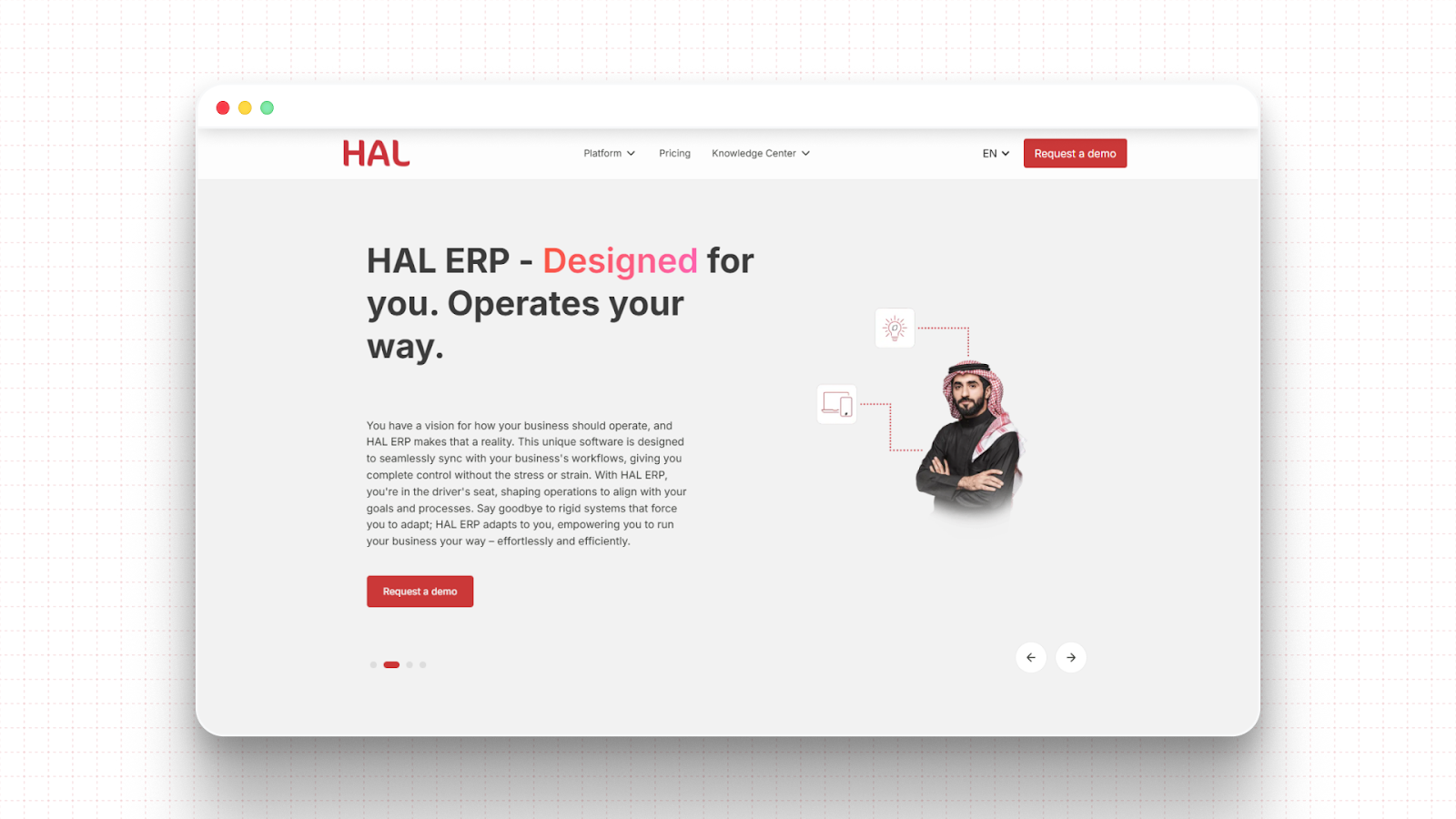
HAL ERP is designed for this transition. Built specifically for Saudi businesses, it combines enterprise resource planning with an integrated checkout system called HAL POS, allowing retailers to manage sales, inventory, finance, and compliance from a single platform rather than separate tools.
Key capabilities include:
This integrated approach becomes especially valuable for businesses managing multiple outlets and POS environments.
For example, Coastline LLC, which operates coffee shops, retail outlets, and leisure services across 17 locations in King Abdullah Economic City, experienced operational delays due to disconnected POS systems and manual data entry. Reporting often lagged weeks behind real activity.
By integrating its POS environment with HAL ERP, Coastline unified reporting across all stores and automated the flow of transaction data from POS to ERP. Sales and operational data synchronized in real time, manual entry was eliminated, and the company achieved smooth ZATCA Phase II compliance through direct integration with the Fatoora portal.
The result was faster reporting, improved operational visibility, and a retail system that could scale across locations without increasing operational complexity.
The ERP vs. POS decision is not about choosing a winner. It is a sequencing decision. A POS is the right starting point for simple retail operations. An ERP becomes the right system when your business needs operational control, multi-branch visibility, and compliance readiness at scale.
For mid-sized businesses in Saudi Arabia, the most effective setup is a POS integrated with an ERP, not one that runs alongside it. That is the difference between having sales data and having business intelligence.
HAL ERP delivers both through HAL Retail and HAL POS. It is built for the realities of Saudi retail: ZATCA compliance, multi-branch operations, omnichannel sales, and the speed requirements of a growing market.
If your business is ready to move beyond a standalone checkout system, HAL ERP is the platform designed to support that next stage. Book a free demo today to start.
Most standalone POS systems manage inventory at the outlet level. Cross-branch visibility requires either an ERP or a centralized system that consolidates data from all locations. Without this, stock reconciliation is done manually.
The three main POS types are traditional on-premise POS, cloud-based POS, and mobile POS systems used on tablets or smartphones.
A POS system includes hardware, POS software, payment processing, inventory management, and reporting tools that track sales and operational data.
POS software includes applications for billing, payment processing, inventory deduction, receipt generation, and basic sales reporting at the store level.
No, POS is not an ERP system. POS manages transactions, while ERP manages end-to-end business operations, including inventory, finance, compliance, and reporting.