8 Best Accounting Workflow Management Software Tools in 2026
Published By
Issam Siddique
ERP
Apr 21, 2025
Workflow inefficiency remains a major problem for accounting teams. According to Financial Cents' current 2025 State of Accounting Workflow and Automation Report, 55.5% of accounting firm owners identified workflow inefficiencies as their biggest challenge. See the Financial Cents report
The right software can make recurring work easier to assign, track, standardize, and automate. But “accounting workflow software” can refer to two different needs. Accounting and bookkeeping firms often need practice-management tools for client work, deadlines, documents, billing, and team capacity. In-house finance teams may instead need accounting or ERP software that connects approvals, invoicing, reconciliation, reporting, and other financial processes.
This guide compares both types where they are relevant and explains which kind of team each product is actually suited for in 2026.
Key Takeaways
Accounting workflow and accounting software are not the same thing. Practice-management platforms focus on recurring client work, deadlines, tasks, documents, billing, and collaboration, while accounting and ERP platforms handle financial transactions and operational workflows.
Karbon, Financial Cents, Canopy, TaxDome, Jetpack Workflow, Aero Workflow, and OfficeTools primarily serve accounting, bookkeeping, and tax firms.
HAL Accounting fits a different use case: Saudi businesses that want accounting, approvals, reconciliation, invoicing, reporting, and other ERP workflows connected in one system. Explore HAL Accounting
QuickBooks and Xero remain useful accounting systems, but they should not be ranked here as standalone accounting workflow-management leaders. Firms often connect accounting systems like these with dedicated practice-management tools instead.
For Saudi businesses, ZATCA Phase Two should be evaluated separately from workflow features. Phase Two continues to roll out by taxpayer wave, so businesses should check ZATCA's current requirements rather than assuming every workflow platform handles Saudi e-invoicing. Check ZATCA's current rollout phases
What Is Accounting Workflow Management Software?
Accounting workflow management software helps teams turn repeatable accounting processes into structured workflows with clear tasks, owners, deadlines, dependencies, and follow-ups.
For an accounting, bookkeeping, or tax firm, this typically means managing recurring client work such as month-end bookkeeping, payroll processing, tax preparation, client onboarding, document requests, reviews, and approvals. Platforms such as Karbon and Financial Cents combine workflow management with features such as client records, team collaboration, time tracking, billing, capacity planning, or client portals.
For an in-house finance department, workflow needs can be different. The team may need approval paths, accounting entries, invoicing, receivables and payables, reconciliation, reporting, and connections with other business functions. In that case, an accounting or ERP platform such as HAL Accounting may be a better fit than accounting-practice software.
The distinction matters because a strong practice-management platform does not necessarily replace your general ledger, and a strong accounting system does not automatically provide the client-workflow features an accounting firm needs.
Key Challenges in Accounting Workflow
Every accounting professional knows the challenges of managing workflows in a demanding environment. Here are two major hurdles:
i) Preventing Tasks from Slipping Through the Cracks: Handling multiple clients and projects can make it easy to overlook smaller tasks. Workflow software solves this with visual task boards, automated reminders, and efficient task allocation.
ii) Avoiding Missed Deadlines: Tax filings, payroll submissions, and audits come with strict deadlines. Missing them can lead to hefty penalties or the loss of valuable clients. Tools with built-in deadline tracking and calendar integrations help your team stay on schedule and avoid costly delays.
Selecting the right workflow solution is critical to addressing these challenges. Not all tools fit every firm’s needs—some are overloaded with features, while others lack essential capabilities. Ensure the software you choose aligns with your firm’s size, compliance requirements, and operational goals for maximum efficiency.
Let’s now explore how accounting workflows can make your operations more efficient and scalable.
Why You Need Accounting Workflow Management Software
Accounting workflow management software is essential for running an efficient and scalable firm. Here’s how they make a difference:
Simplify Task Management: With workflows, you can assign tasks clearly and track their progress in real-time. This eliminates confusion, reduces errors, and ensures your team stays productive without constant oversight.
Deliver Consistent Quality to Clients: With well-documented workflows, your team knows exactly what to do, when to do it, and how to do it. This ensures every client receives the same high-quality service, no matter who’s handling their account.
Reduce Overload for Business Owners: Many firm owners work long hours because their businesses depend heavily on their involvement. Workflows enable you to delegate tasks effectively, ensuring smooth operations even when you’re not directly involved. This gives you more time for yourself and improves your work-life balance.
Current workflow research also suggests that automation can materially reduce coordination work. In Financial Cents' 2025 survey, more than 43% of firm owners reported reducing the time their teams spent on manual workflow coordination to less than one hour per week after automating their workflows.
Scale Your Firm Easily: As the saying goes, “The reward for good work is more work.” Growth is often accompanied by chaos, but workflows keep your processes streamlined, making it easier to scale your business without unnecessary stress.
By implementing accounting workflows, you’ll create a system that supports your team, satisfies your clients, and positions your firm for long-term success.
Essential Features of Accounting Workflow Management Software
The best accounting workflow management software includes features that cater to both your firm’s overall needs and individual employee efficiency.
For Firms:
Visibility: Gain a clear, real-time overview of task progress across teams and clients.
Centralized Communication: Manage client interactions, emails, and files from one unified platform.
Actionable Insights: Leverage productivity reports to identify bottlenecks and improve team performance.
For Employees:
Automation: Minimize manual work such as recurring invoices or reminders, freeing up time for high-value tasks.
App Integration: Seamlessly sync with tools like QuickBooks, Xero, or Microsoft Teams for smoother workflows.
Client Portals: Share files securely, track approvals, and manage client queries, all from a single interface.
With these features in mind, accounting workflow software can make your processes more efficient. But how do you choose the right one? Let’s look at the key factors to consider.
What To Consider When Selecting An Accounting Workflow Solution
The right selection criteria depend first on whether you are choosing software for an accounting practice or an in-house finance team.
Workflow Automation: Look for recurring work, templates, assignments, deadlines, dependencies, reminders, and approval rules that match the processes your team actually performs.
Visibility and Capacity: Accounting firms may need dashboards showing client jobs, deadlines, workload, and team capacity. Finance teams may care more about transaction status, approvals, receivables, payables, and reporting.
Client Collaboration: If you run an accounting or bookkeeping firm, evaluate client portals, secure document requests, e-signatures, messaging, and automated reminders.
Accounting-System Integration: Check whether the workflow platform connects with the accounting systems your team already uses. Platforms such as Karbon and Financial Cents, for example, provide integrations with commonly used accounting applications. Review Karbon's platform
Configurable Approval Workflows: In-house teams should check whether the system supports approval and notification paths that match internal controls. HAL, for example, documents configurable approval, rejection, cancellation, email-notification, and ReachApp-notification workflows. See HAL's workflow documentation
Security and Access Controls: Evaluate user permissions, authentication, data handling, backups, and the security documentation relevant to your organization. Do not treat IFRS as a software-security certification.
Saudi E-Invoicing Requirements: If the system will generate or process Saudi tax invoices, confirm how it supports the ZATCA requirements applicable to your business. ZATCA Phase Two is being introduced gradually by taxpayer wave. Check ZATCA's current rollout
Pricing and Support: Compare the total cost for your expected users, modules, implementation, integrations, and support rather than looking only at the advertised entry price.
8 Best Accounting Workflow Management Software Options in 2026
The tools below do not all solve the same problem. Most are accounting-practice platforms built for firms managing recurring client work. HAL serves a different use case: connecting accounting and business workflows for in-house teams, particularly in Saudi Arabia.
For that reason, the list uses “best for” categories rather than claiming one product is universally better than another.
1. HAL ERP
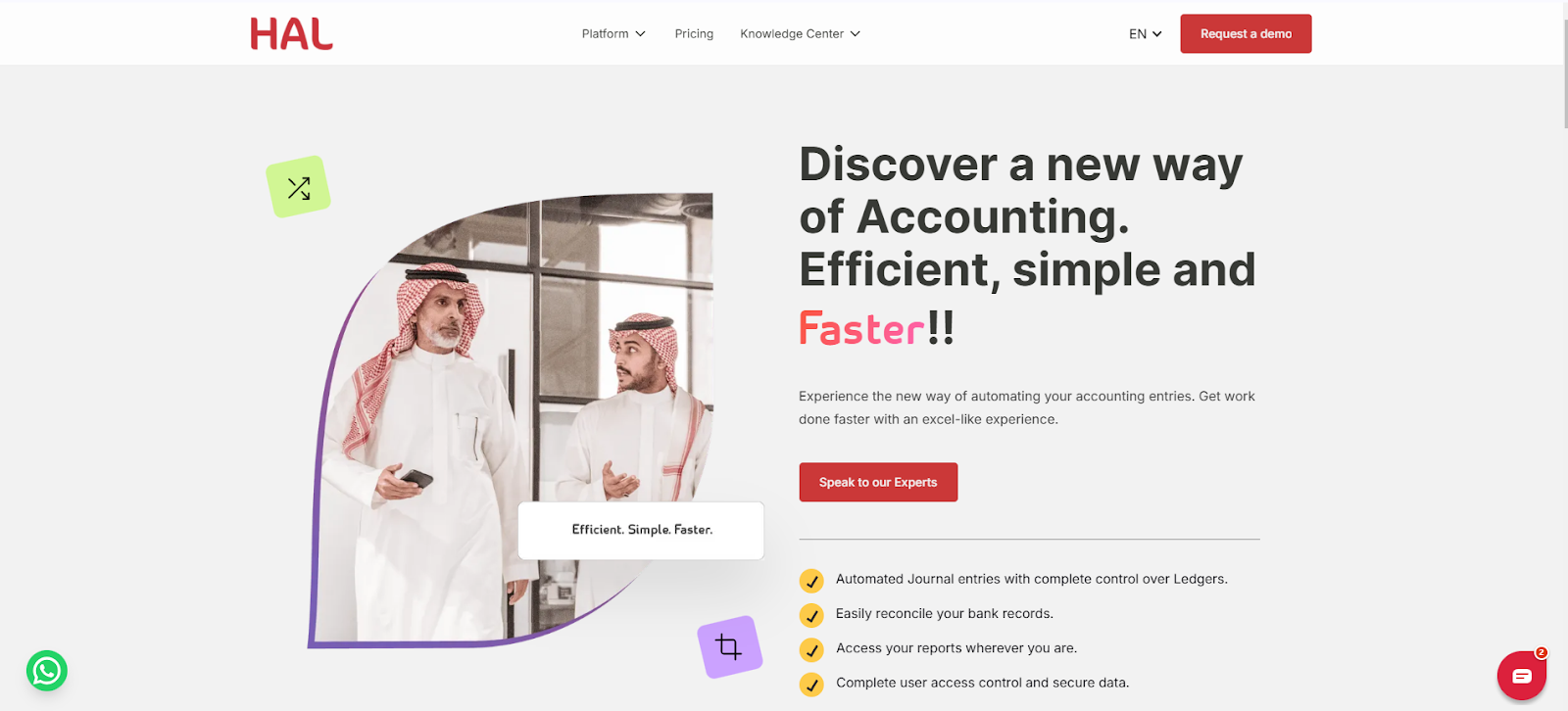
HAL Accounting is a cloud accounting and ERP platform designed for business finance teams rather than a dedicated accounting-practice-management system.
Why We Picked HAL
Supports automated journal-entry workflows and bank reconciliation
Provides dashboards and financial reporting for finance teams
Connects receivables, payables, invoicing, expenses, and other business processes
Supports configurable approval and notification workflows
Connects with regional and international systems including Salla, Zid, Shopify, Foodics, Total Pay, Tabby, Tamara, Google Mail, Microsoft Outlook, and others listed on HAL's current integrations page
Offers HAL VAT CARE for businesses that need a Phase Two integration-ready e-invoicing solution
Pros
Strong fit for Saudi businesses that want accounting workflows connected with broader ERP operations
Local ecosystem integrations
Accounting, invoicing, reconciliation, approvals, and reporting can operate within the same HAL environment
Useful for finance teams that do not want accounting data isolated from procurement, sales, HR, or other operational modules
Cons
It is not a dedicated accounting-practice-management platform, so firms primarily looking for client-engagement workflows, practice capacity management, and accounting-firm portals should compare specialist tools such as Karbon, Financial Cents, Canopy, or TaxDome
Businesses should still determine which ZATCA requirements and taxpayer wave apply to them rather than treating software as a compliance guarantee
Best for: Saudi SMEs and mid-market businesses that want accounting workflow automation inside a broader ERP environment.
2. Karbon
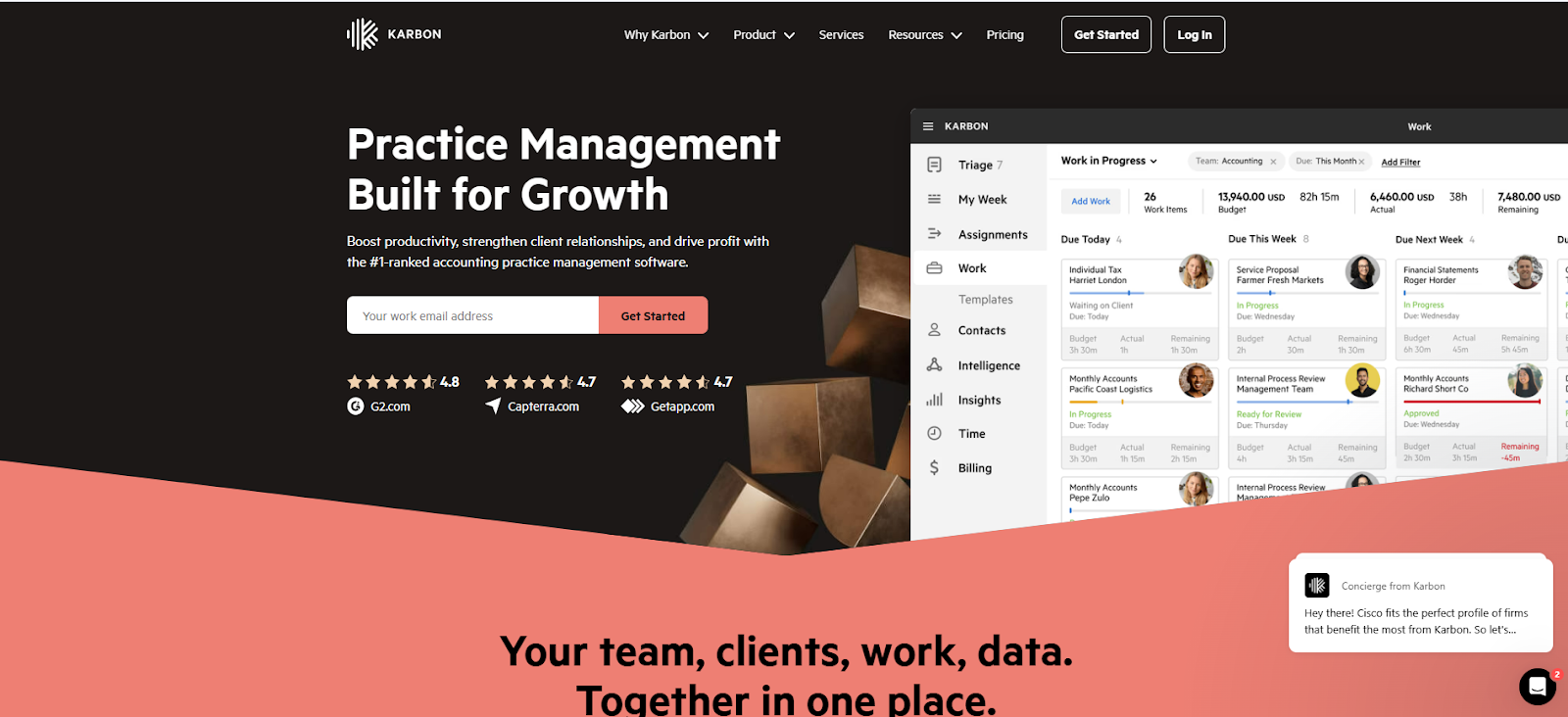
Karbon is built for accounting, tax, and bookkeeping firms that need connected workflows, client management, email collaboration, billing, and team visibility. Its current positioning is particularly relevant to growing firms that need more workflow depth and collaboration than a lightweight task manager provides. See Karbon's current platform
Why We Picked Karbon:
Assign tasks to individuals or teams and track progress with ease
Use 250+ pre-built workflow templates tailored for accounting firms
Manage documents and workflows in the cloud, reducing manual effort
Track time, budgets, and resources with built-in tools, including timesheets
Integrates with QuickBooks, Xero, and other leading accounting software for seamless data flow
Includes a client management portal with invoicing and payment processing features
Pros:
Highly customizable workflows and templates
Combines CRM and workflow management in one solution
Free trial available to explore features
Cons:
Initial setup and onboarding can take time
Less suitable for solo practitioners or very small teams
3. Jetpack Workflow
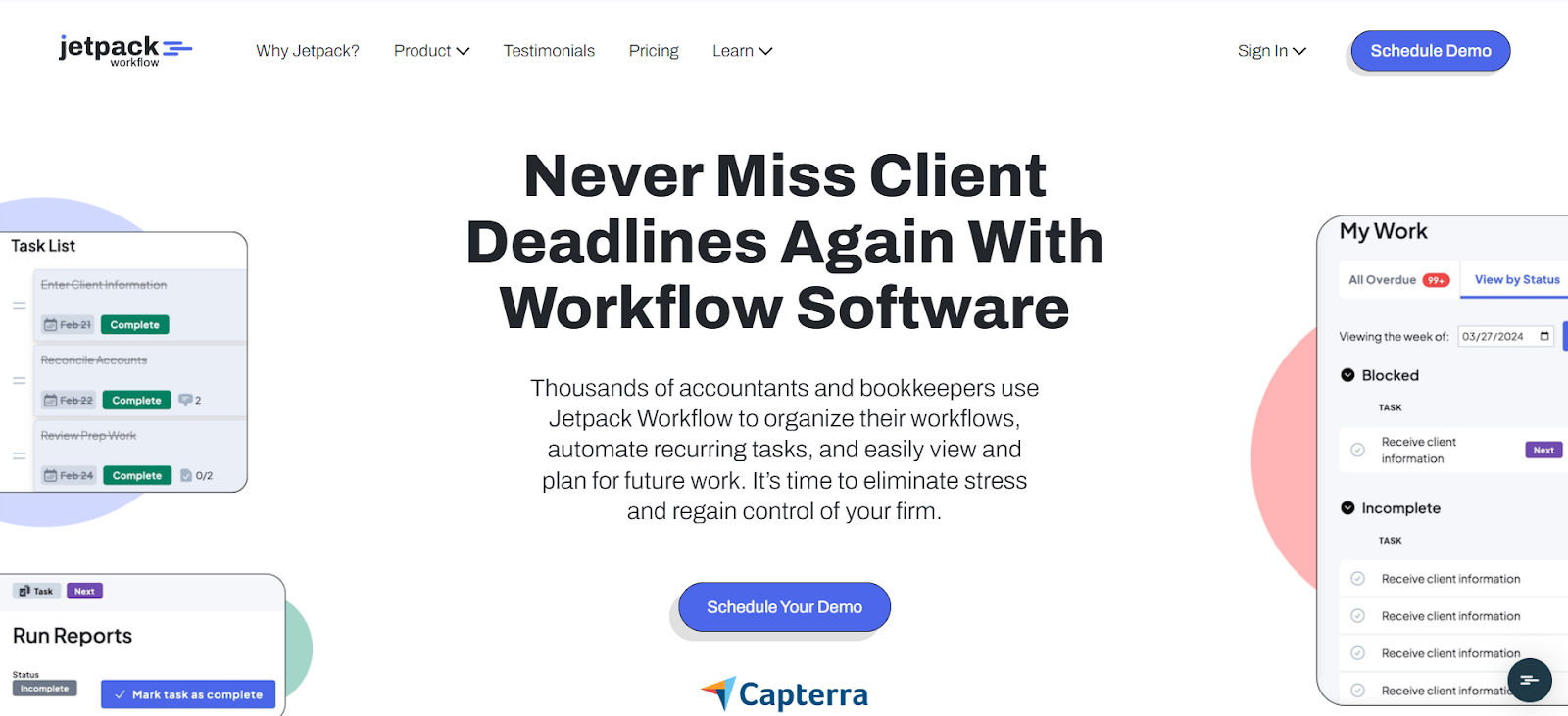
Jetpack Workflow is a simple workflow management tool designed for accounting firms. It focuses on essential features like task tracking, basic automation, and time management, making it ideal for firms that need simplicity over complexity.
Why We Picked Jetpack Workflow:
Offers a relatively focused feature set for firms that mainly need recurring projects, templates, automation, collaboration, and deadline visibility.
Manage jobs and tasks with an intuitive dashboard
Use built-in templates and a template library to standardize workflows
Automate basic processes, reducing manual efforts
Track time and budgets to monitor productivity and manage costs effectively
Integrates seamlessly with QuickBooks Online and Zapier for enhanced functionality
Offers a work dashboard and calendar view for efficient task organization
Offers practical features for firms that don’t need advanced automation.
Pros:
Budget-friendly for small businesses.
Time tracking helps monitor productivity and manage budgets effectively.
Intuitive dashboard simplifies task management.
Cons:
Limited email management; requires switching between inbox and the software
Basic automation may not suffice for larger or complex firms
Lacks a client portal for secure communication
4. Canopy
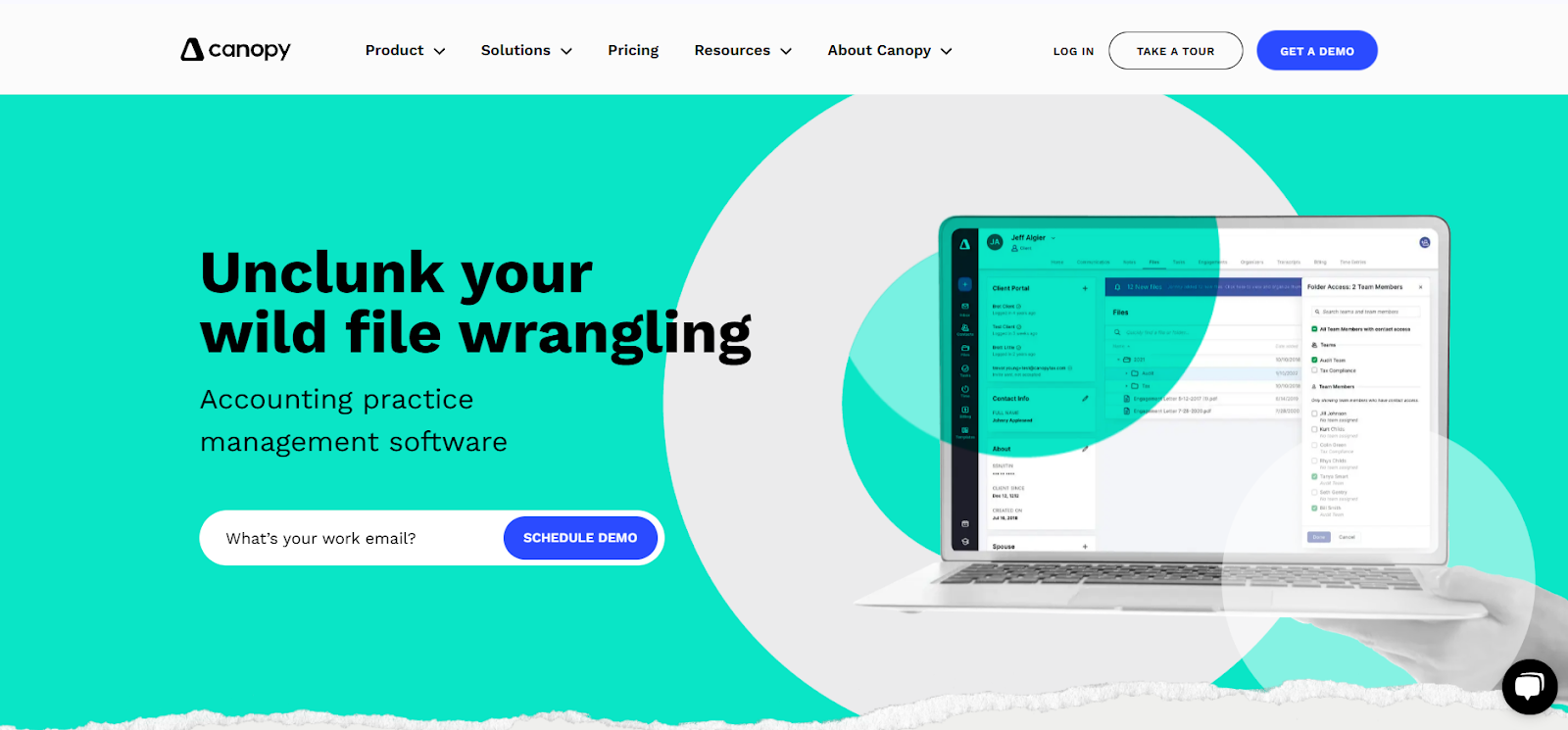
Canopy is accounting and tax practice-management software combining client management, workflow, documents, client communication, billing, payments, and reporting.
Why We Picked Canopy
Workflow and recurring task management designed for accounting firms
CRM and client management
Secure client portal and messaging
Document management and e-signatures
Invoicing and payment features
Capacity planning and forecasting on higher tiers
Increasing use of AI-assisted workflow and practice-management features
Pros
Broad practice-management functionality under one platform
Strong combination of client-facing and internal workflow features
Suitable for firms that want documents, billing, portal, CRM, and workflow connected rather than assembled from separate tools
Cons
Pricing increases materially as firms move from Standard to Plus or Premium
Firms should compare the higher-tier automation and reporting capabilities they actually need before choosing a plan
Canopy currently lists Standard at $74 per user/month billed annually and Plus at $109 per user/month billed annually. Premium is listed at $149 per user/month and marked as coming soon, so readers should confirm availability and pricing before purchase. Check current Canopy pricing
Best for: Accounting and tax firms that want client management, documents, workflow, billing, and communication within a broader practice-management platform.
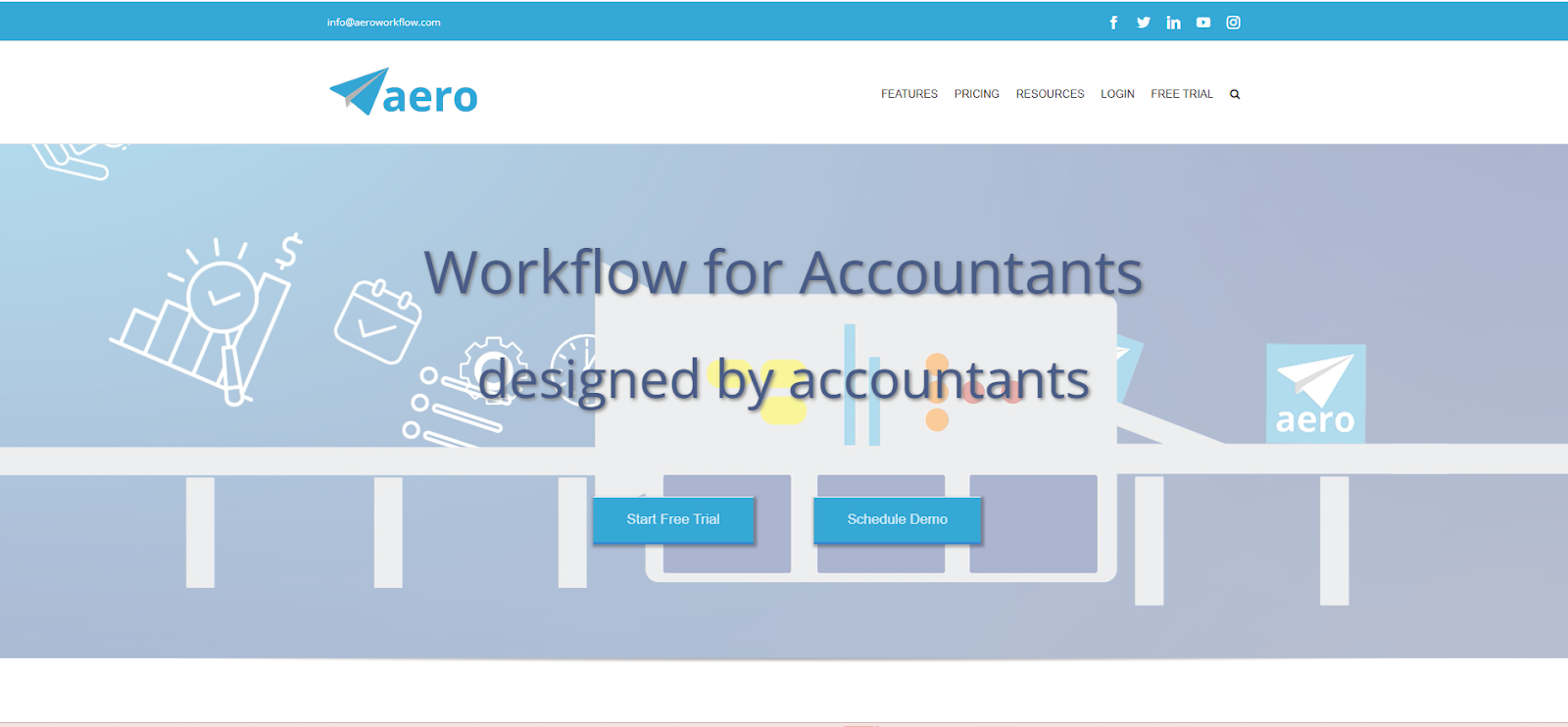
5. Aero Workflow
Aero Workflow is an advanced practice management software developed for accountants. It focuses on efficiency with built-in checklists, customizable guides, and tools that ensure consistent and accurate task management—perfect for firms looking to standardize workflows.
Why We Picked Aero Workflow:
Offers built-in checklists and customizable procedure guides for consistent quality
Tracks tasks in real-time to ensure deadlines are met
Includes tools for time tracking and productivity management
Provides over 20 customizable reports for deeper performance insights
Includes more than 150 prebuilt checklist templates that firms can use as a starting point for standardized recurring work.
Integrates with QuickBooks Online, Office 365, Zapier, and other tools via Open API
Pros:
Customizable reports for detailed performance analysis
Affordable pricing tailored to small firms
Simple interface with essential tools for task standardization
Cons:
No client portal for direct client communication
Limited advanced features like CRM or extensive reporting
Less suitable for larger firms with complex workflows
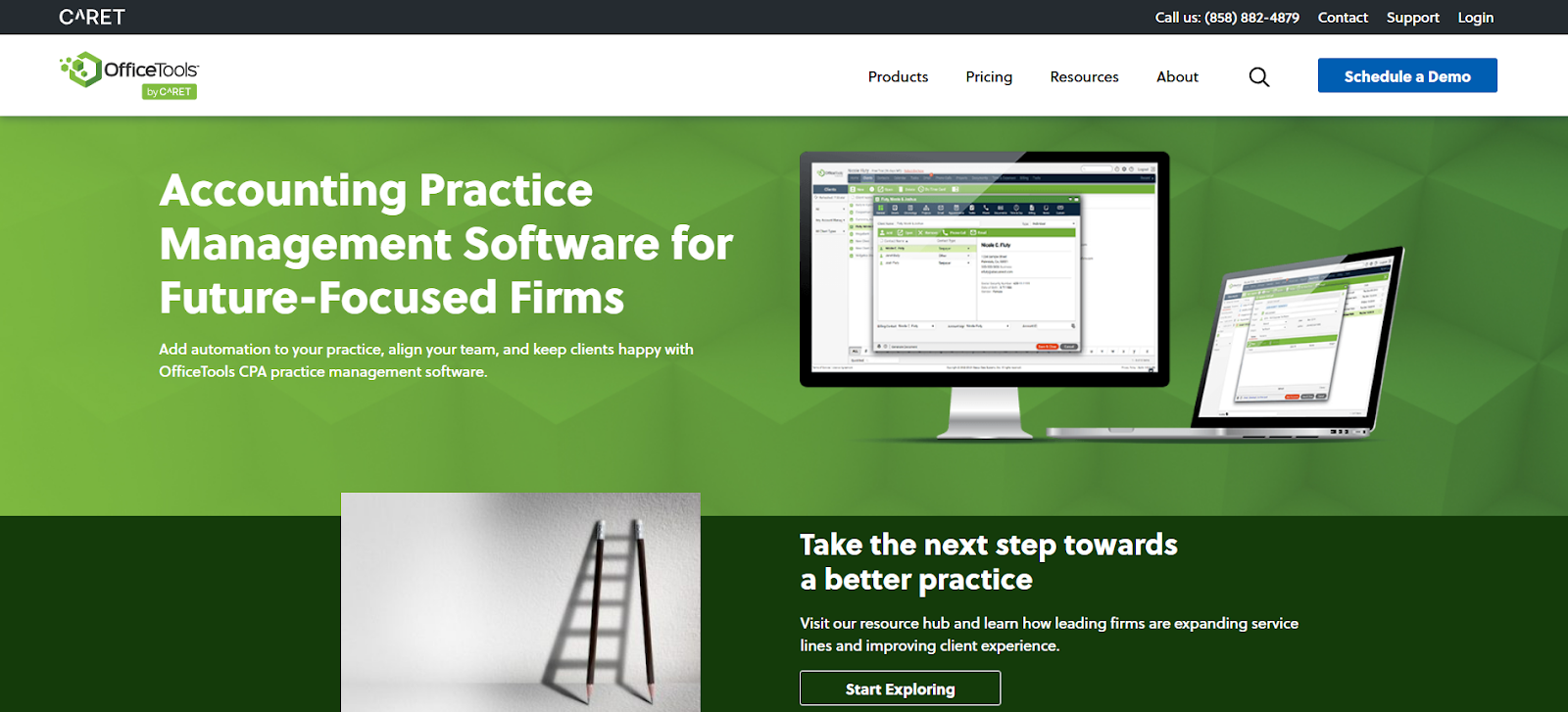
6. OfficeTools WorkSpace
OfficeTools WorkSpace is a dedicated time and billing software tailored for accountants. With features like tax integration, online payments, and mobile access, it’s designed to simplify and centralize accounting tasks.
Why We Picked OfficeTools WorkSpace:
Central dashboard to manage client data and track deadlines
Automates billing and payment processing with APX PayNow
Includes tools for document management, storage, and task tracking
Offers integrated scheduling and calendar functions for better task organization
Works seamlessly with QuickBooks, Microsoft Office 365, Lacerte Tax, and Google Maps
Mobile app ensures flexibility for on-the-go access
Pros:
All-in-one platform for billing, scheduling, and management.
Mobile app for on-the-go flexibility.
Cons
Its integration ecosystem is particularly oriented toward traditional accounting and tax-firm tools such as QuickBooks, Lacerte, Microsoft Outlook, and Microsoft Office, so firms using a different modern cloud stack should verify integration fit before choosing it.
Public pricing is not presented as clearly as some competitors, so firms may need to request current plan details directly.
7. Financial Cents
Financial Cents is an accounting practice-management platform built around recurring workflow management, client work, team collaboration, billing, and visibility.
Why We Picked Financial Cents
Build reusable workflows for recurring bookkeeping, tax, payroll, and CAS work
Automatically assign tasks and roll recurring due dates forward
Track team capacity and project status across the firm
Manage client records through an accounting-focused CRM
Request documents and communicate through a client portal
Track time, billing, payments, and client profitability
Connect client work with QuickBooks Online
Provides accounting-specific workflow templates and automation
Pros
Particularly focused on small and growing accounting firms
Combines workflow, client management, portal, billing, capacity, and reporting
Offers a 14-day free trial
Published pricing makes entry cost relatively easy to compare
Cons
Firms that only need a lightweight task tracker may not need the broader practice-management feature set
Some specialized functions, such as Month-End Close, are separately priced add-ons
Current annual pricing starts at $19/month for Solo, with Team at $49/user/month and Scale at $69/user/month. Pricing can change, so verify the current plans before publication or purchase. Check Financial Cents pricing
Best for: Small and growing accounting, bookkeeping, tax, and CAS firms wanting workflow and practice management together.
8. TaxDome
TaxDome is an accounting-practice-management platform designed for tax, bookkeeping, and accounting firms.
Why We Picked TaxDome
Recurring accounting, bookkeeping, and tax workflow automation
Accounting-firm CRM
Client portal and mobile client experience
Secure client communication
Document storage and e-signatures
Proposals, invoicing, and payments
Client intake workflows
Team and workflow controls on higher plans
Pros
Broad all-in-one practice-management feature set
Strong client-facing workflow tools
Useful for firms that want to reduce dependence on separate CRM, document, portal, billing, and workflow products
Cons
The breadth of functionality can mean more setup than a simple workflow-only tool
Pricing varies by country and, in the US and Canada, by plan and commitment term
For US firms, current one-year pricing starts at $800 per seat/year for Essentials, with Pro at $1,000 and Business at $1,200. International pricing differs, so readers should verify the applicable country pricing. Check current TaxDome pricing
Best for: Accounting and tax firms that want workflow automation plus client management, documents, communication, and billing in one platform.
The right choice depends first on what you are trying to manage. Accounting firms should usually compare practice-management platforms based on recurring client work, automation, capacity, documents, communication, billing, and client experience. In-house finance teams should place more weight on accounting controls, approvals, reconciliation, reporting, invoicing, and connections with the rest of the business.
Accounting systems such as QuickBooks and Xero may still form part of an accounting firm's technology stack. They simply solve a different core problem and are often connected to practice-management platforms rather than used as direct replacements for them.
How To Choose The Right Accounting Workflow Management Software
Selecting the right accounting workflow management software requires a clear understanding of your business needs and priorities. Here’s a quick guide to help you make an informed decision:
Assess Your Business Needs: Identify whether you are managing an accounting practice or an in-house finance function, then map your team size, workflow complexity, recurring work, approval requirements, and current bottlenecks. If the software will generate or process Saudi e-invoices, separately verify how the invoicing solution supports the ZATCA requirements that apply to your taxpayer wave. Review ZATCA's current Phase Two rollout
Compare Features and Benefits: Create a checklist of must-have features, such as automation, real-time tracking, and integration capabilities.
Consider Pricing and ROI: Review pricing, including add-ons, and assess time and error savings.
Local Support: Choose a provider with local support. Having someone who understands your region’s needs ensures faster help when issues arise.
Review Customer Support: Ensure the provider offers onboarding help and training materials.
Test with a Free Trial or Demo: Use free trials or demos to check ease of use and involve your team for feedback.
Once you’ve selected the software, implement it in stages. Start with a small team, provide training, and monitor progress.
The Bottom Line
The best accounting workflow software depends on what your team is actually trying to coordinate.
Accounting, bookkeeping, and tax firms should compare dedicated practice-management platforms such as Karbon, Financial Cents, Canopy, TaxDome, Jetpack Workflow, Aero Workflow, and OfficeTools based on workflow depth, client collaboration, capacity management, billing, integrations, and ease of adoption.
In-house finance teams have a different requirement. They may need accounting transactions, approvals, receivables and payables, invoicing, reconciliation, reporting, and operational data connected in the same environment.
For Saudi businesses in that second group, HAL Accounting is particularly relevant because it connects accounting workflows with the wider HAL ERP environment. HAL documents accounting automation, reconciliation, reporting, configurable workflows, local integrations, and a separate VAT CARE e-invoicing solution for businesses that need ZATCA integration support.
That does not make HAL the right replacement for every accounting-practice platform. It makes HAL a strong option when the buyer is a Saudi business looking for connected accounting and ERP workflows rather than practice management alone.
Q: What is accounting workflow management software?
A: Accounting workflow management software helps teams standardize recurring work using tasks, owners, deadlines, templates, automations, reminders, and status tracking. For accounting firms, it often also includes client requests, portals, billing, time tracking, and capacity management.
Q: What is the difference between accounting workflow software and accounting software?
A: Accounting software records and reports financial transactions through functions such as invoicing, reconciliation, receivables, payables, and the general ledger. Workflow or practice-management software coordinates how work moves between people and clients. Some ERP platforms combine both types of capability, but they should not automatically be treated as the same software category.
Q: What accounting workflow software is best for a small accounting firm?
A: There is no universal best product. Financial Cents and Jetpack Workflow are currently positioned strongly toward smaller firms, while products such as Karbon, Canopy, and TaxDome offer broader practice-management capabilities. Compare the workflows, client experience, integrations, pricing, and automation depth your firm actually needs. Compare Financial Cents' current features
Q: Is QuickBooks an accounting workflow management platform?
A: QuickBooks is primarily accounting software. It provides invoicing, expenses, bills, reports, VAT/GST tracking, and related financial features, but firms that need dedicated recurring client workflows, capacity management, portals, or practice automation may use a separate practice-management system alongside it. See QuickBooks' current global accounting features
Q: Is HAL ERP accounting workflow software?
A: HAL is better described as an accounting and ERP platform with workflow capabilities rather than a dedicated accounting-practice-management tool. HAL Accounting supports accounting entries, bank reconciliation, receivables/payables, reporting, and connected business processes, while HAL also documents configurable approval and notification workflows.
Q: Does an accounting workflow platform need to be ZATCA compliant in Saudi Arabia?
A: Not necessarily. A practice-management application that only manages tasks and client work may not itself issue Saudi tax invoices. If the platform or connected accounting solution generates or processes e-invoices, the business should verify the relevant requirements. ZATCA's Phase Two rollout continues by taxpayer wave, so businesses should check their current notification and integration date.
Q: What is the latest ZATCA Phase Two wave in 2026?
A: ZATCA announced Wave 25 on July 24, 2026. It covers targeted taxpayers whose VAT-taxable revenue exceeded SAR 187,500 during 2022, 2023, 2024, or 2025. Those notified in Wave 25 must integrate their e-invoicing solutions with Fatoora by February 1, 2027. Read ZATCA's Wave 25 announcement